Kafka Cruise Control UI
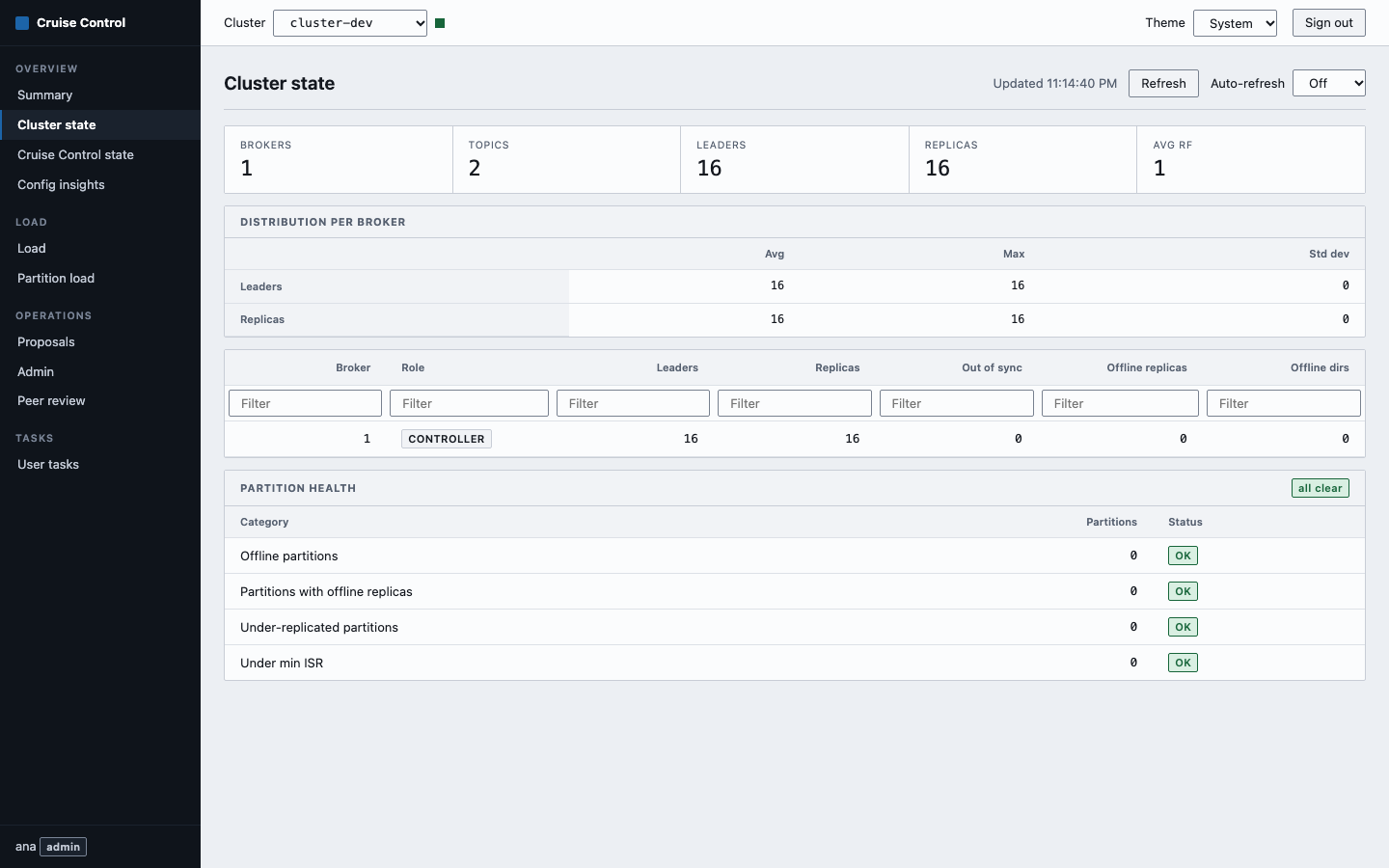
A web UI for Cruise Control 3.x. It is one static Go binary that serves an embedded single-page app (Preact, TypeScript, Vite) and acts as an authenticated reverse proxy to one or more Cruise Control clusters. The container image is 11.9 MB.
Why it exists
The LinkedIn cruise-control-ui is a static site. The browser loads it and then calls Cruise Control directly, so Cruise Control has to be reachable from every user's machine. With several clusters you serve it from an nginx with one location per cluster and a config.csv. The site itself has no login and no roles.
This project moves that boundary. The browser only talks to the UI server. The server holds the Cruise Control URLs and credentials, decides who may call what, and forwards only the Cruise Control endpoints it knows. Cruise Control can stay on a private network, behind basic auth, a bearer token, AWS SigV4 or OAuth2 client credentials, and the browser never learns any of it.
How it works
                    +------------------------------------------+
 Browser            |  kafka-cruise-control-ui (one binary)    |
 +---------+  HTTPS |                                          |       +---------------------+
 |  SPA    |------->|  session, CSRF, roles, rate limit        | HTTP  | Cruise Control      |
 | (Preact)| cookie |  allow-list of endpoints and parameters  |------>| cluster "prod-eu"   |
 +---------+        |  upstream auth: none | basic | bearer    |       +---------------------+
                    |                  | sigv4 | oidc          |
 OIDC provider <----|  audit log of every POST (stdout)        |       +---------------------+
 (optional)  login  |                                          |------>| Cruise Control      |
                    +------------------------------------------+       | cluster "staging"   |
                                                                       +---------------------+
Everything is configured with CCUI_* environment variables. A user signs in with a local account or through an OpenID Connect provider, and gets the role viewer or admin. Every request the SPA makes goes to /api/clusters/<name>/proxy/<endpoint> on the same origin. The server checks the session, the role, the endpoint and its parameters, adds the cluster's credentials and calls Cruise Control.
Quick start
docker run --rm -p 8080:8080 \
  -e CCUI_AUTH_MODE=none \
  -e CCUI_CLUSTERS__0__NAME=local \
  -e CCUI_CLUSTERS__0__URL=http://host.docker.internal:9090/kafkacruisecontrol \
  ghcr.io/devops-ia/kafka-cruise-control-ui
Open http://localhost:8080. CCUI_AUTH_MODE=none makes every visitor an admin and is only meant for a laptop. The Quick start continues with local users.
Where to go next
| You want to | Read |
|---|---|
| Run it and sign in | Quick start |
| Put it on Docker, Compose or Kubernetes | Installation and deployment |
| Look up a variable | Configuration |
| Set up local users or OIDC | Authentication |
| Connect several clusters or secure the link to Cruise Control | Clusters |
| Learn each page | User guide |
| Understand the design | Architecture and Security |
| Call the server's own endpoints | API |
| Fix an error | Troubleshooting |
Replace the LinkedIn UI with config.csv |
Migration |