Quick start
You need Docker and a Cruise Control 3.x you can reach over HTTP. The examples use http://host.docker.internal:9090/kafkacruisecontrol, which is a Cruise Control on the host machine with the default webserver.api.urlprefix. Change the URL to yours.
Without login
docker run --rm -p 8080:8080 \
  -e CCUI_AUTH_MODE=none \
  -e CCUI_CLUSTERS__0__NAME=local \
  -e CCUI_CLUSTERS__0__URL=http://host.docker.internal:9090/kafkacruisecontrol \
  ghcr.io/devops-ia/kafka-cruise-control-ui
Open http://localhost:8080. You land on the Summary page as the user anonymous with the admin role. The server logs a warning at start because nothing protects the UI:
{"level":"WARN","msg":"CCUI_AUTH_MODE=none: the UI is not protected and every visitor is admin"}
Check that it is alive without a session:
curl -s localhost:8080/healthz
ok
With local users
local is the default mode. It refuses to start without a session secret of at least 32 characters and a password hash for every user.
Make the secret and a bcrypt hash for the admin user. htpasswd comes with the Apache utilities (apache2-utils on Debian, httpd-tools on RHEL, preinstalled on macOS).
export CCUI_SESSION_SECRET="$(openssl rand -base64 48)"
HASH="$(htpasswd -bnBC 12 "" 'change this password' | tr -d ':\n')"
Start the container. The CCUI_COOKIE_INSECURE line is there because the session cookie is Secure by default and browsers do not keep it over plain http://. Remove it once you serve HTTPS.
docker run --rm -p 8080:8080 \
  -e CCUI_SESSION_SECRET \
  -e CCUI_COOKIE_INSECURE=true \
  -e CCUI_LOCAL_ADMIN_PASSWORD_HASH="$HASH" \
  -e CCUI_CLUSTERS__0__NAME=local \
  -e CCUI_CLUSTERS__0__URL=http://host.docker.internal:9090/kafkacruisecontrol \
  ghcr.io/devops-ia/kafka-cruise-control-ui
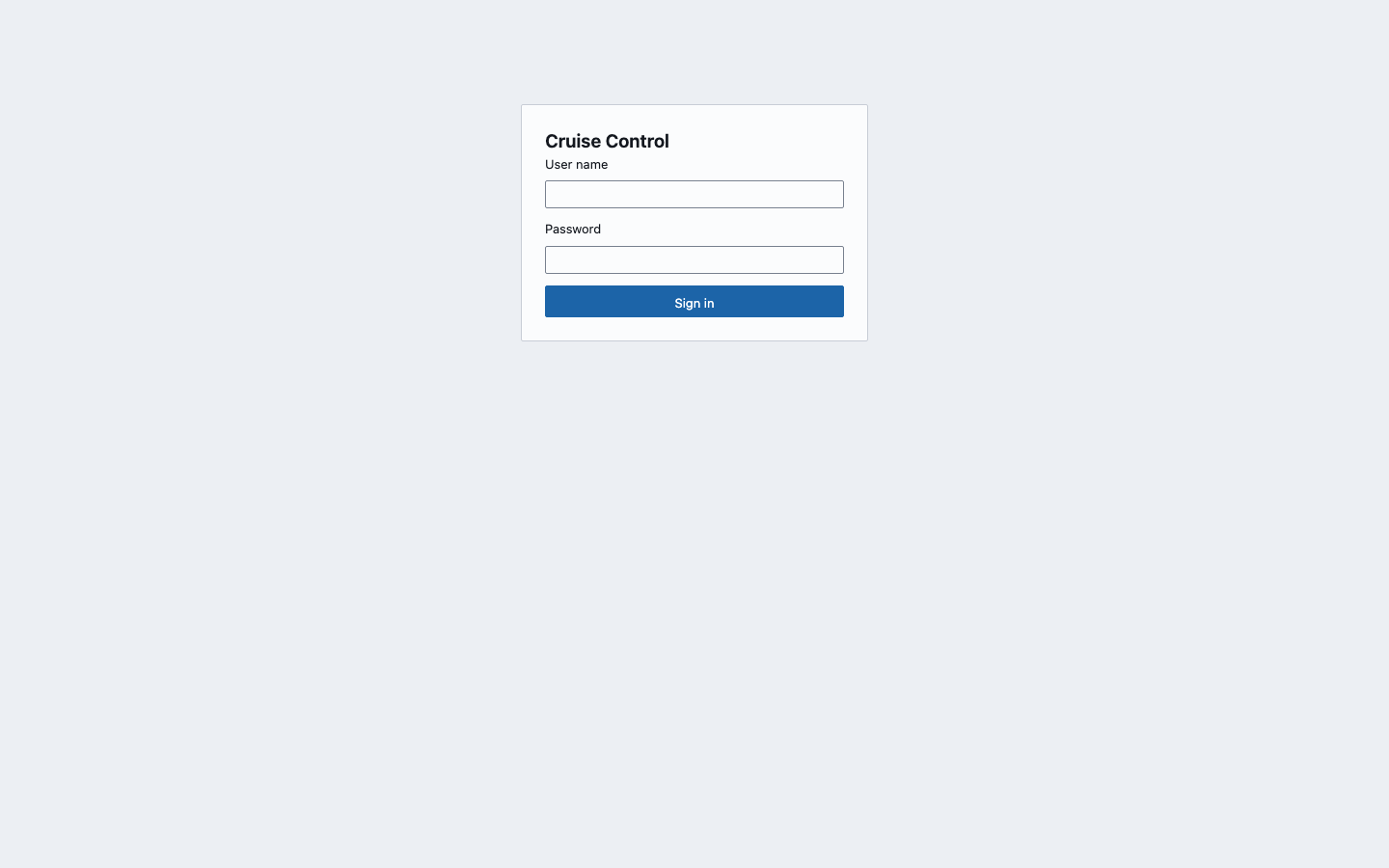
Sign in as admin with the password you hashed. CCUI_LOCAL_ADMIN_PASSWORD_HASH is the shortcut for one admin user named admin; change the name with CCUI_LOCAL_ADMIN_USER.
Warning
Always wrap the hash in single or double quotes in a shell. A bcrypt hash contains $ characters. Unquoted or in a .env file read by Docker Compose, they are expanded or need to be written as $$.
A viewer next to the admin
Add numbered users for more accounts. Indexes start at 0 and cannot skip a number. The role is viewer or admin.
VIEWER_HASH="$(htpasswd -bnBC 12 "" 'another password' | tr -d ':\n')"

docker run --rm -p 8080:8080 \
  -e CCUI_SESSION_SECRET \
  -e CCUI_COOKIE_INSECURE=true \
  -e CCUI_LOCAL_ADMIN_PASSWORD_HASH="$HASH" \
  -e CCUI_LOCAL_USERS__0__NAME=ana \
  -e CCUI_LOCAL_USERS__0__PASSWORD_HASH="$VIEWER_HASH" \
  -e CCUI_LOCAL_USERS__0__ROLE=viewer \
  -e CCUI_CLUSTERS__0__NAME=local \
  -e CCUI_CLUSTERS__0__URL=http://host.docker.internal:9090/kafkacruisecontrol \
  ghcr.io/devops-ia/kafka-cruise-control-ui
A viewer sees only the Overview and Load pages. See the user guide.
If it does not start
The server validates every variable before it listens and prints all the problems at once, then exits with status 1:
invalid configuration:
CCUI_SESSION_SECRET: required with CCUI_AUTH_MODE=local, at least 32 characters (or CCUI_SESSION_SECRET_FILE)
CCUI_LOCAL_USERS__0__NAME: CCUI_AUTH_MODE=local needs at least one local user (CCUI_LOCAL_USERS__<n>__* or CCUI_LOCAL_ADMIN_PASSWORD_HASH)
at least one cluster is required: set CCUI_CLUSTERS__0__NAME and CCUI_CLUSTERS__0__URL
The configuration page lists the other messages.
Next: deploy it, add OIDC login or connect more clusters.